MacBook Neo Teardown Reveals Apple’s Easiest Laptop to Fix in Years
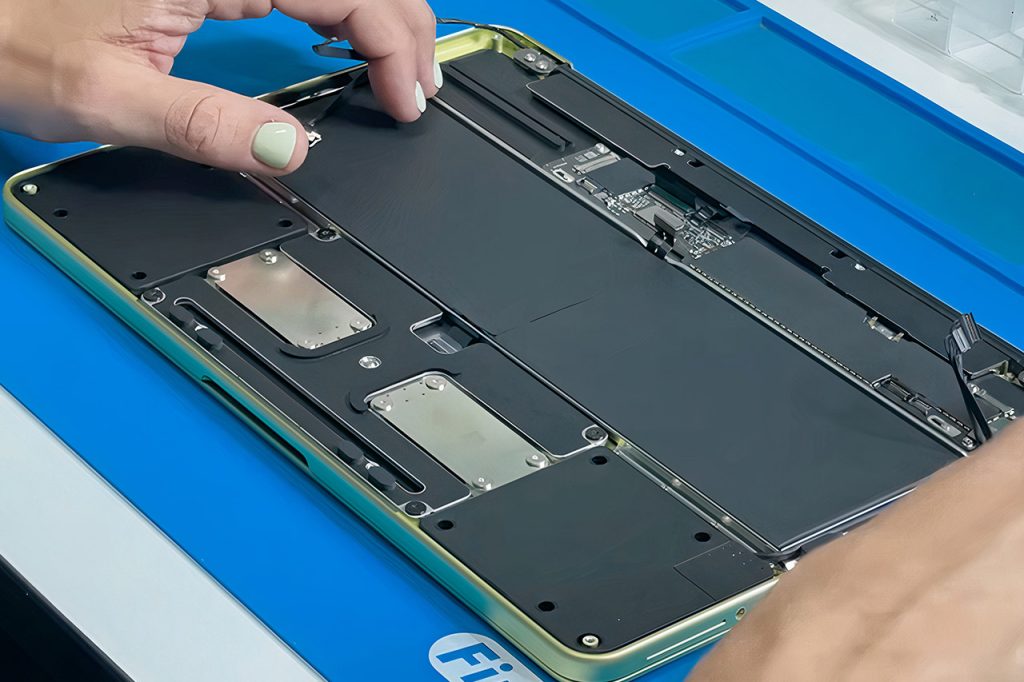
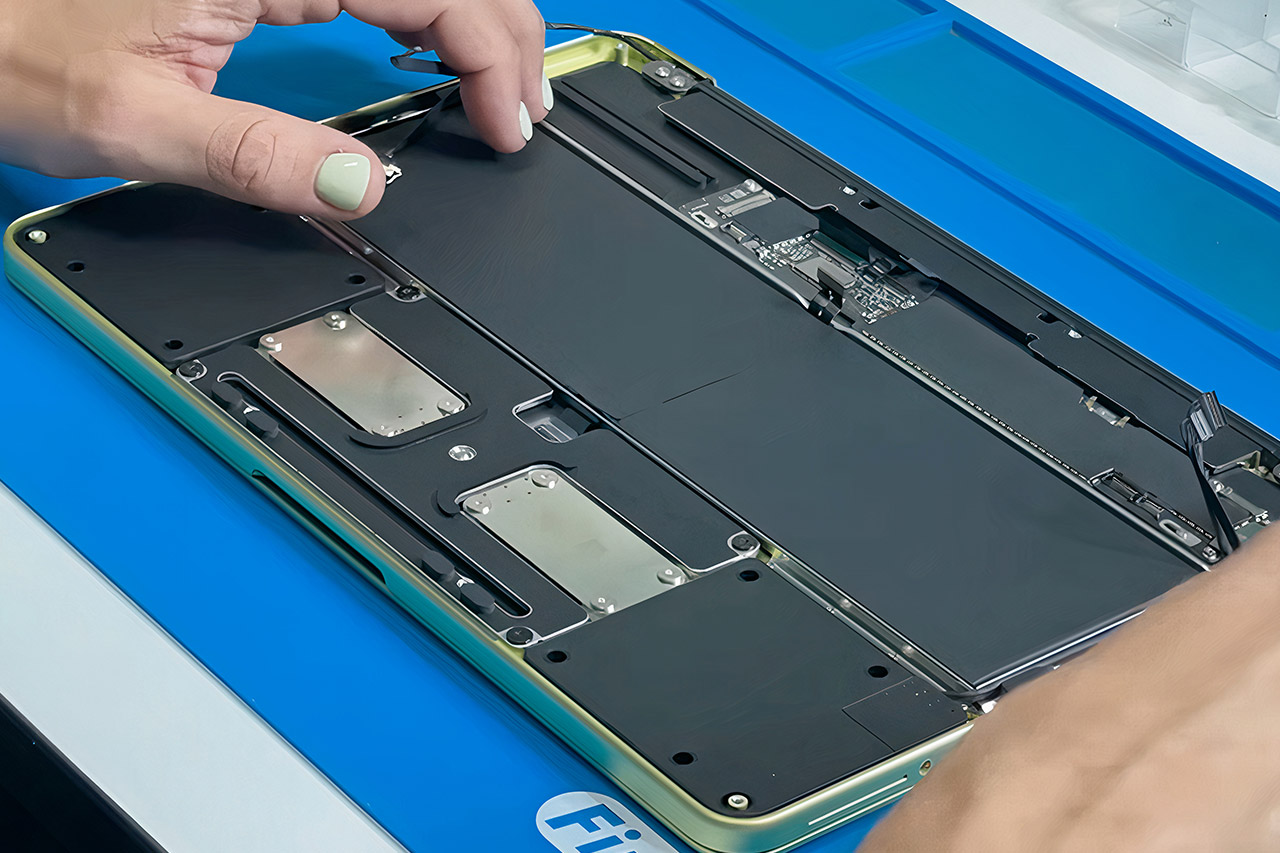
Apple’s new entry-level MacBook Neo comes in at $599, which is sure to pique your interest, but the true brilliance happens inside the aluminum body. A teardown video from the well-known Aussie repair channel Tech Re-Nu shows us just how effortlessly this machine takes apart. As it turns out, all you need are normal Torx drivers, no expensive prying tools, no heat guns, and, in most cases, no adhesive at all.
First, remove the bottom panel, which has eight screws that release quickly, and the interior will be exposed in all of its minimalist (compared to other MacBooks) splendor. Clips make it easy to remove the cover. The battery connector is immediately visible and must be unplugged for safety reasons, and the rest of the procedure is straightforward.

Apple 2026 MacBook Neo 13-inch Laptop with A18 Pro chip: Built for AI and Apple Intelligence, Liquid…
- HELLO, MACBOOK NEO — Ready for whatever your day brings, MacBook Neo flies through everyday tasks and apps. Choose from four stunning colors in a…
- THE MOST COLORFUL MACBOOK LINEUP EVER — Choose from Silver, Blush, Citrus, or Indigo — each with a color-coordinated keyboard to complete the…
- POWER FOR EVERYDAY TASKS — Ready the moment you open it, MacBook Neo with the A18 Pro chip delivers the performance and AI capabilities you need to…
Instead of sticky glue or tough tape, connections are made using simply tiny clips. There’s only one small amount of adhesive on the trackpad cable to the main board. The remaining connections just pop free with slight pressure. Gone are the days of stretch-release tabs and huge strands of glue that made repairing MacBooks a headache.
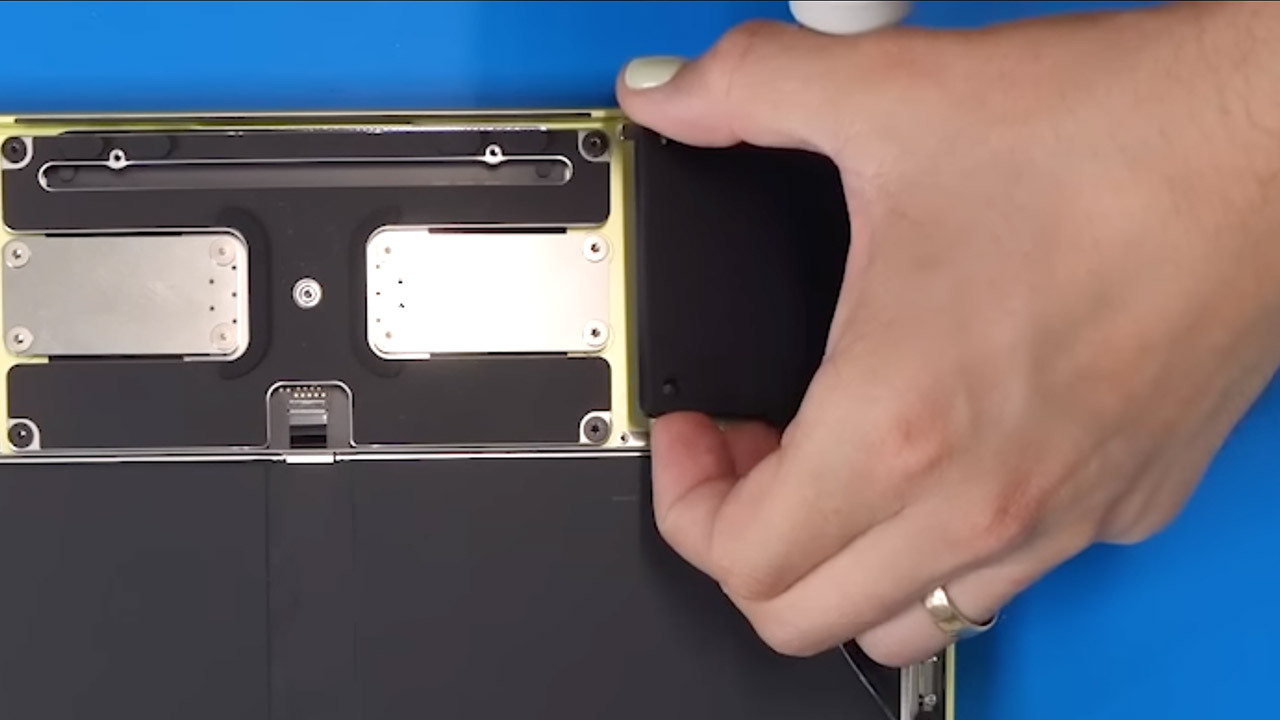
Screws hold most of the essential hardware in place, including the compact motherboard, which is based on the A18 Pro chip and is recognizable from iPhone versions. It is held down by five T3 screws. Remove a few ribbon cables, including the camera, display, trackpad, keypad, speakers, and ports, and those screws will release the board. The arrangement is very neat, with metal shielding and meticulous routing to make everything conveniently accessible.
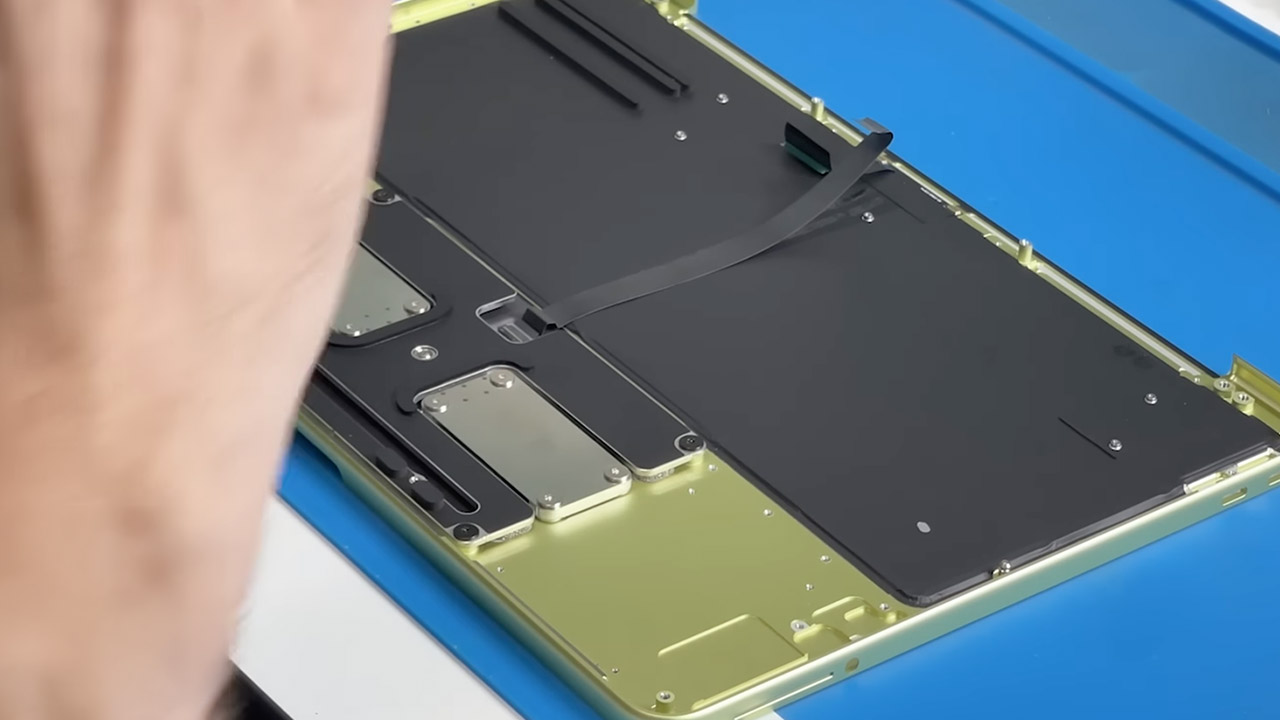
Speakers are next, and each one screws in with four screws, with no adhesive visible. They come out neatly because the modular USB-C ports and headphone jack follow the same layout, allowing individual components to swap without requiring a full board replacement. Battery cells dominate the inside space, and they are held in place by eighteen screws. Once everything else is out of the way, the battery simply lifts out with no glue or pull tabs to deal with. Replacement appears to be a simple process.
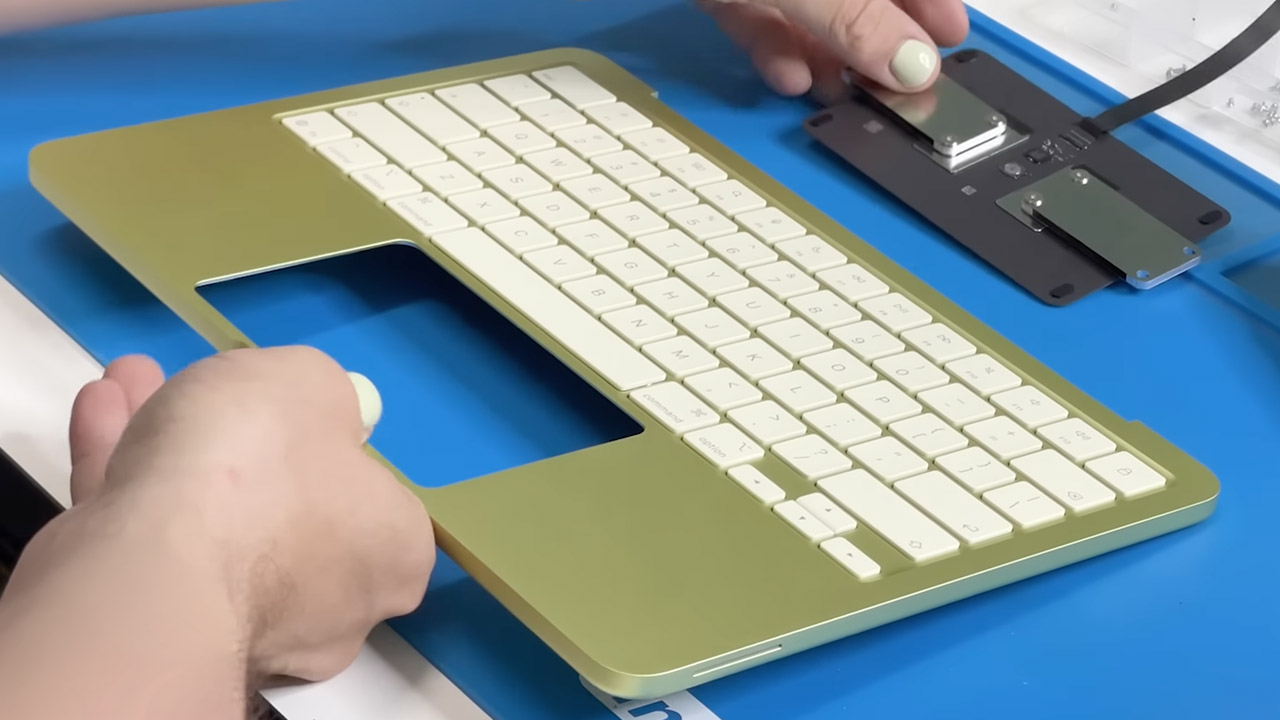
The trackpad is upgraded here, replacing haptic feedback with a real mechanical construction. A primary physical button sits beneath a floating plate and produces a pleasing click. Removal is simple, with only T8 screws on the chassis and three more to remove the trackpad itself; it’s a straightforward setup throughout.
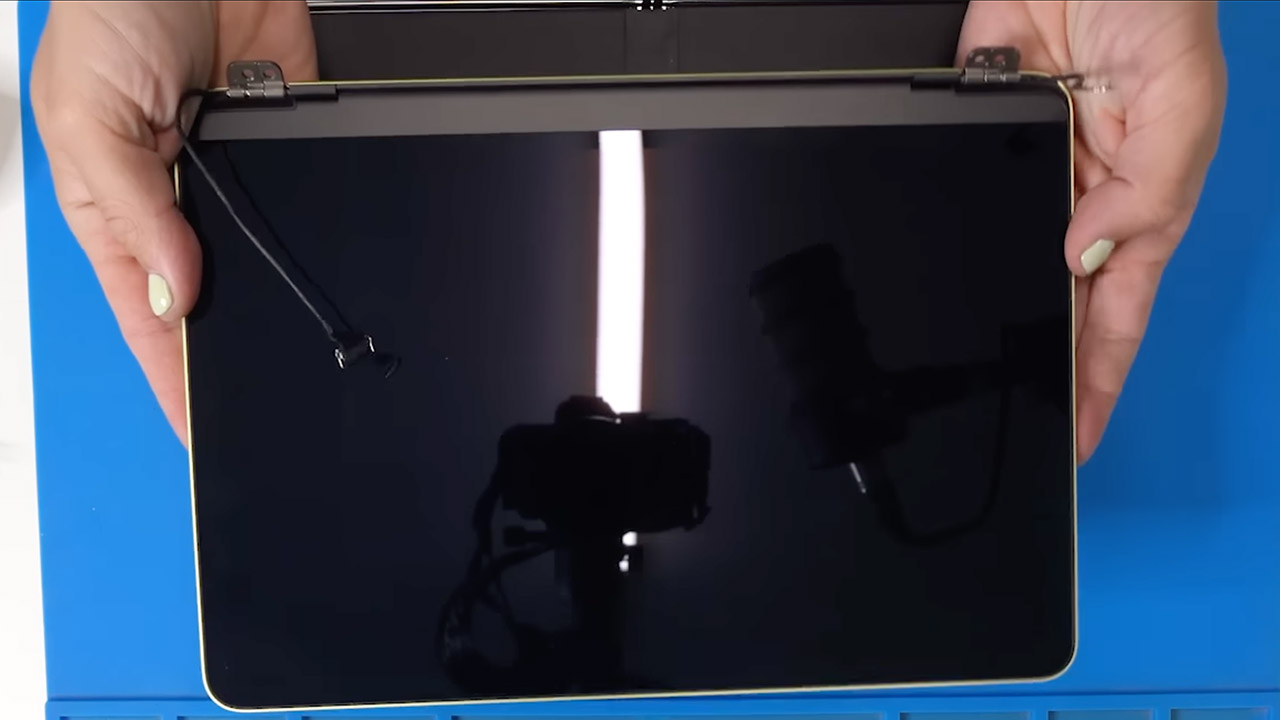
To remove the display, simply unscrew two screws and tilt it slightly. The keyboard, a major complaint with previous MacBooks, is now a separate component rather than having to remove the entire top cover. Apple’s service manual backs this up, detailing all of the various keyboard components separately, which should save you a lot of money over replacing the entire top casing on earlier models.
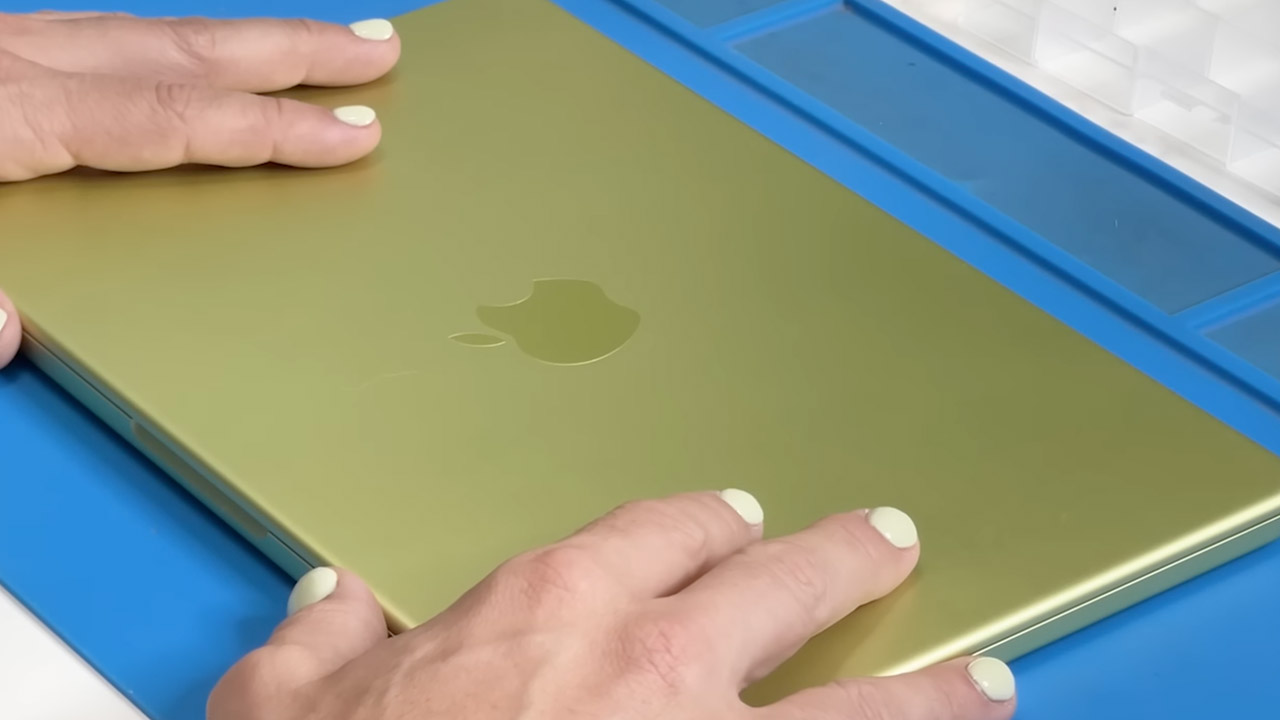
The entire teardown takes around six minutes, which reveals a lot about the design decisions made for this machine. Minimal parts, no needless covers over hinges, and an emphasis on screws over glue must be music to the ears of repair shops everywhere.
MacBook Neo Teardown Reveals Apple’s Easiest Laptop to Fix in Years
#MacBook #Neo #Teardown #Reveals #Apples #Easiest #Laptop #Fix #Years