Samsung Galaxy S26 Ultra Turns Your Pocket Into a Full Workstation
Samsung has equipped the Galaxy S26 Ultra with hardware capable of handling tasks typically associated with desktop computers. At its heart is a Snapdragon 8 Elite Gen 5 CPU with two superfast cores clocking up at 4.74 GHz and six additional cores humming along at 3.62 GHz. It’s partnered with a powerful Adreno 840 GPU. Some configurations will include up to 16GB of RAM and 1TB of storage, while the majority will have 12GB of RAM and 256GB or 512GB of storage.
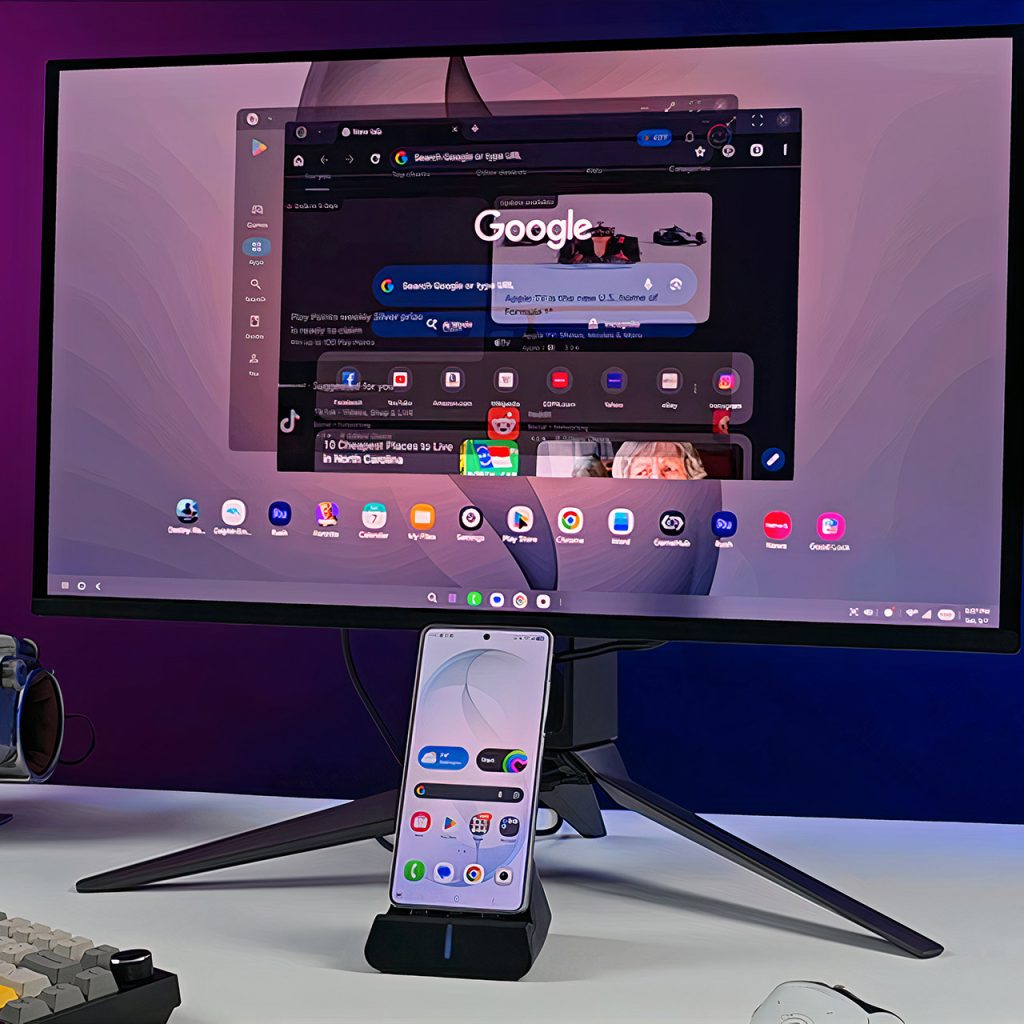
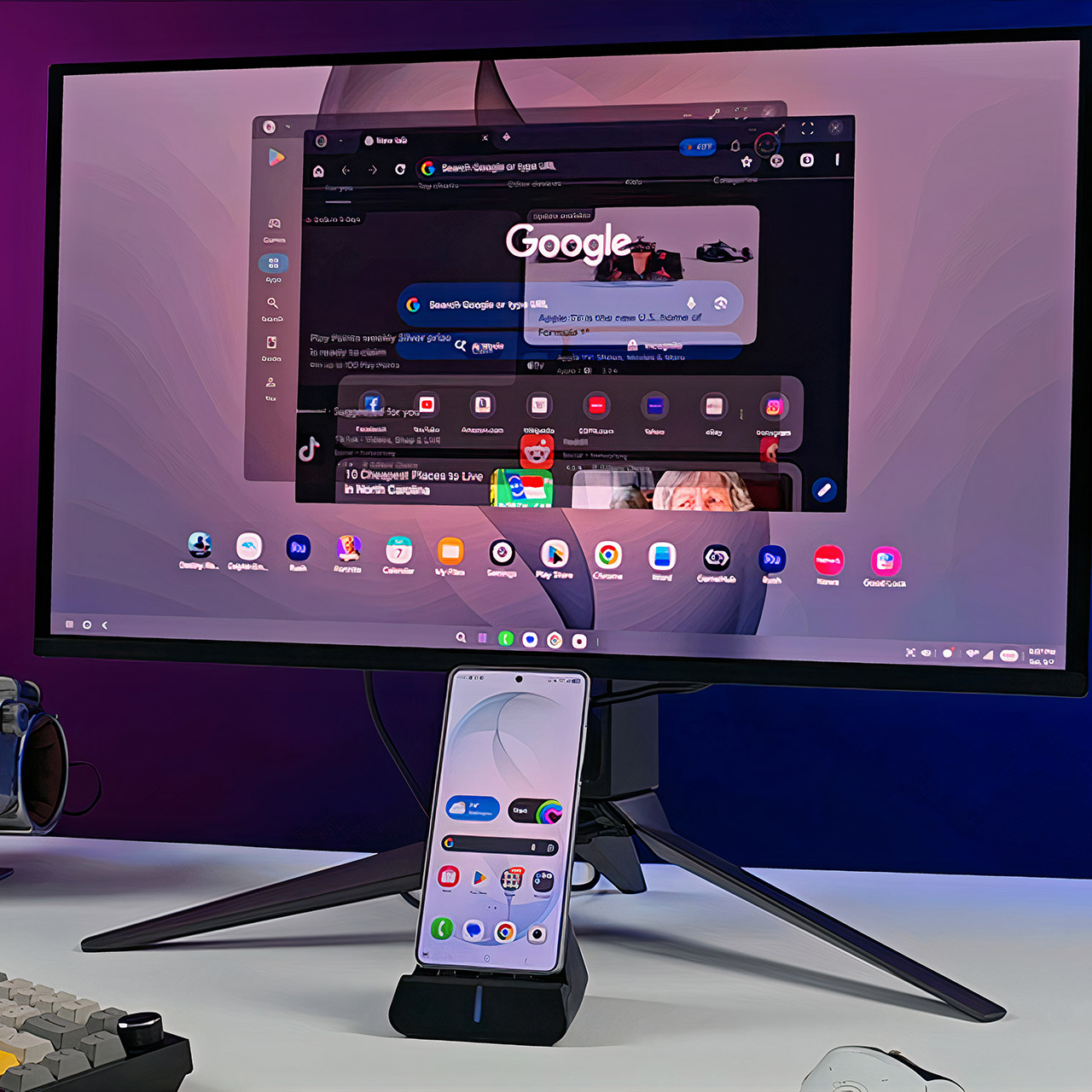
Samsung DeX allows you to turn your phone into a tiny desktop computer. You can connect it to an external monitor via USB-C and turn it on like a computer. You get a fairly standard interface with resizable windows, a taskbar, and support for Bluetooth keyboards and mice. They’ve recently introduced the ability to run up to four independent desktop spaces, each of which can have up to five apps open at the same time, which is useful for keeping all of your work organized. With their Good Lock modules, you can unlock 4K resolution on compatible screens, as well as get better control over window snapping, multi-monitor viewing, and input sensitivity.

Samsung Galaxy S26 Ultra, Unlocked Android Smartphone + $200 Gift Card, 512GB, Privacy Display, Galaxy…
- SHOP NOW: Get an Amazon Gift Card when you order Samsung Galaxy S26 Ultra. Gift card included with purchase. You will receive an email once your gift…
- PRIVACY DISPLAY: Automatically hide your screen from those beside you. The built-in privacy display can be preset¹ to turn on when receiving…
- TYPE IT IN. TRANSFORM IT FAST: Enhance any shot in seconds on your smartphone by using Photo Assist² with Galaxy AI.³ Add objects, restore details…
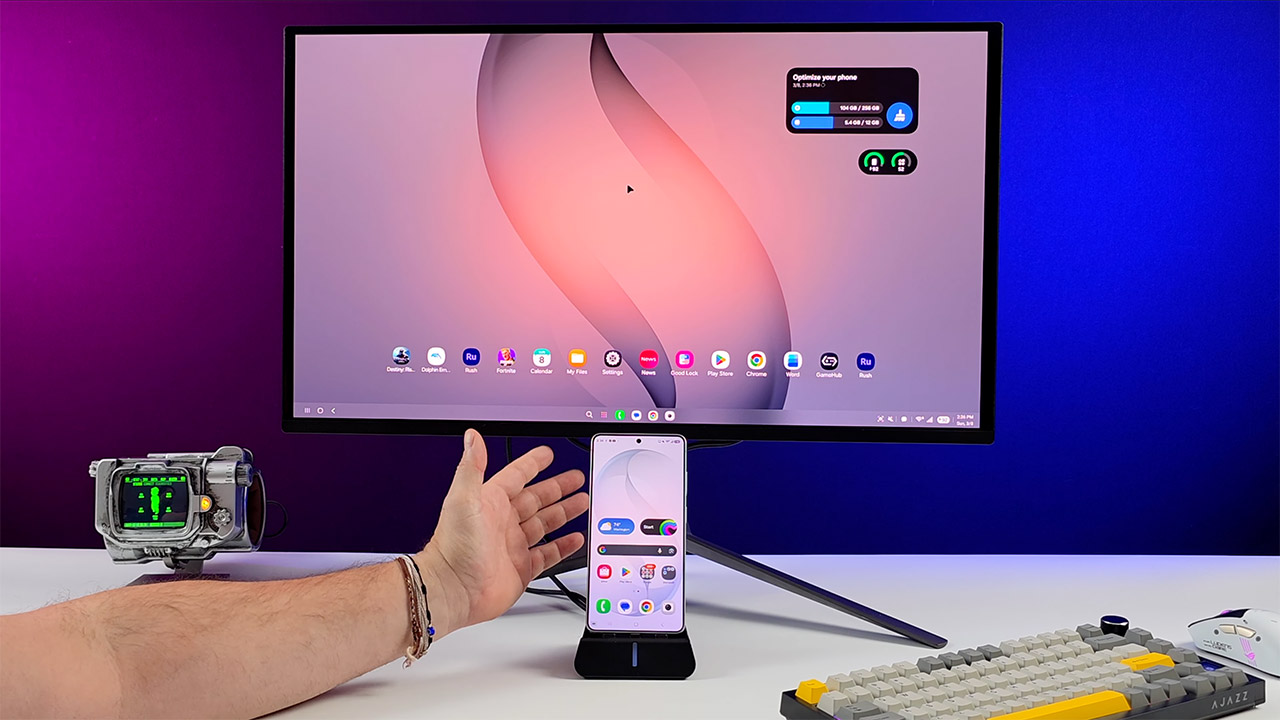
When in DeX mode, productivity feels like it should. You can open Microsoft Word and use your keyboard shortcuts as usual. When editing photos in Lightroom, it responds well to mouse inputs and allows you to make all of the fine exposure and color adjustments you need. Video projects in Adobe Rush are likewise quite smooth; you can scrub timelines, overlay effects, and apply transitions with no lag whatsoever. You can have many online tabs open, as well as your notes and spreadsheets, which looks great on a larger screen.
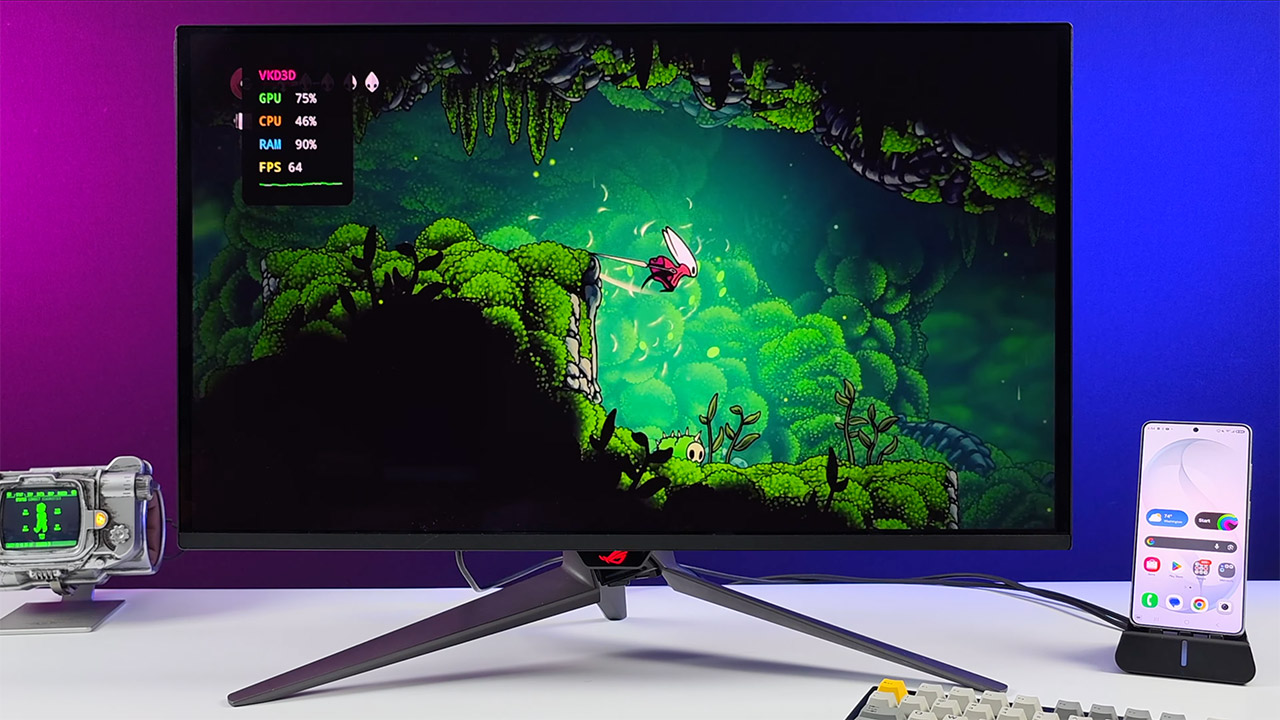
Gaming performance is also rather impressive, with native Android titles such as Fortnite and Destiny Rising running at maximum settings and maintaining frame rates of around 60 FPS. You can even play ancient games from other platforms; Dolphin runs GameCube and Wii games at greater resolutions, and AetherSX2 runs PS2 classics with ease. If you have a PC game, you can utilize local streaming or emulation tools to play it on this phone, and it will be quite playable. Cyberpunk 2077 may even get over 60 FPS on low settings at 720p, while The Witcher 3 achieves comparable rates on medium. And, with proper heat management, the phone remains stable even during extended gaming sessions; however, be aware that installing an external cooler can take it to the next level.
[Source]
Samsung Galaxy S26 Ultra Turns Your Pocket Into a Full Workstation
#Samsung #Galaxy #S26 #Ultra #Turns #Pocket #Full #Workstation