Your Xbox Discs Just Unlocked a Digital Copy with Microsoft’s New Disc-to-Digital Functionality
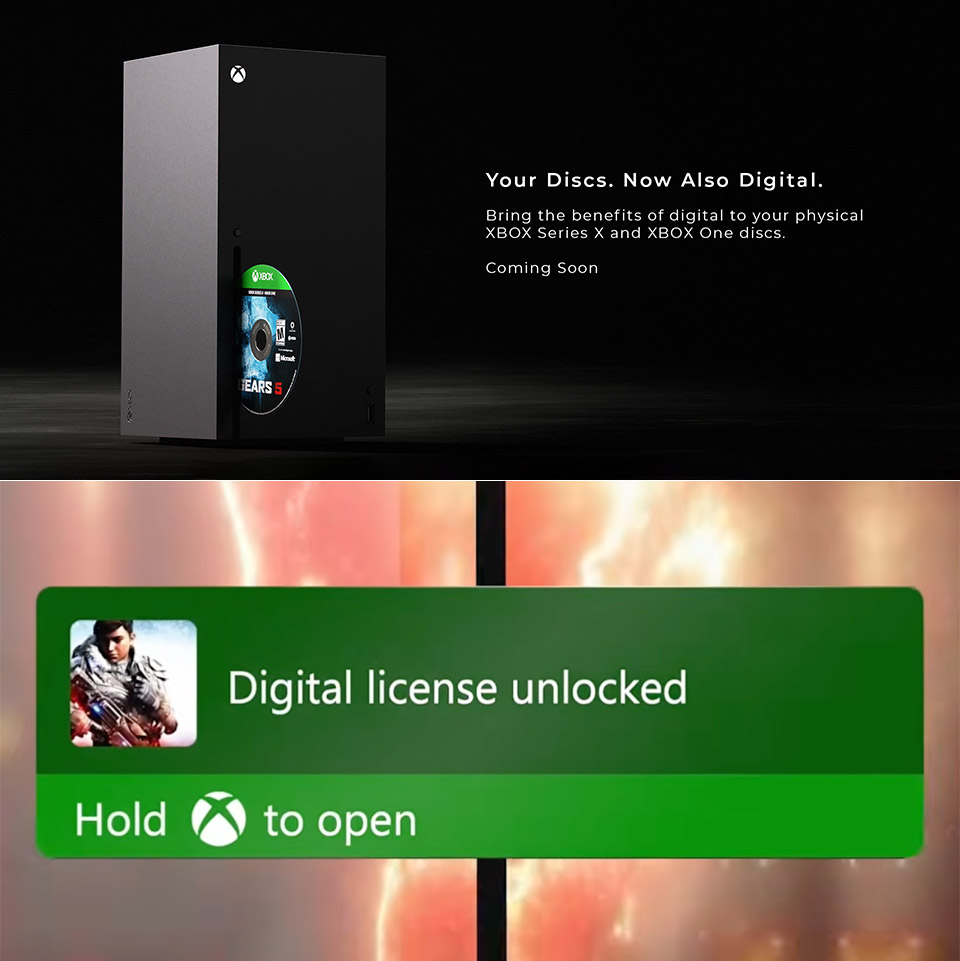
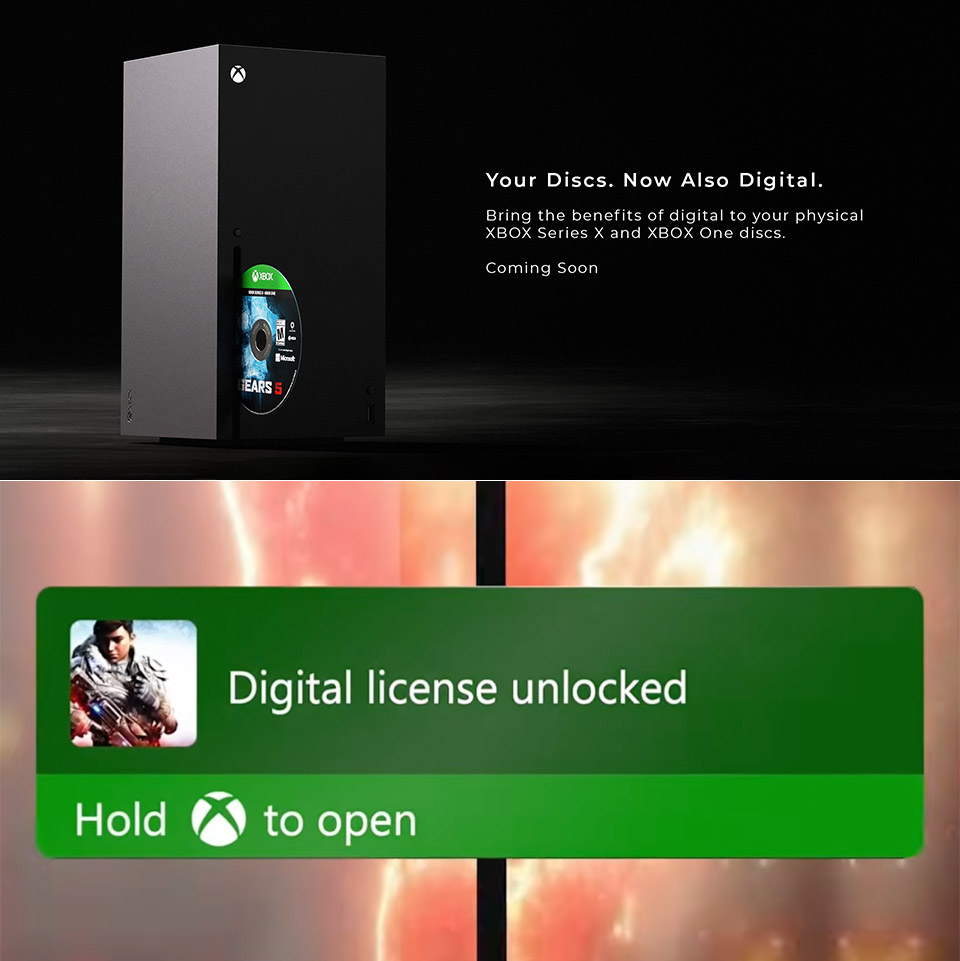
Microsoft confirmed the news this morning during Gamescom coverage. A feature that lets you claim a digital license from physical Xbox One and Xbox Series X game discs is heading to testers first, then to everyone with a compatible console. Players spent years stacking those cases. Some bought on disc, some bought downloads, and plenty own a mix across two generations of hardware. Jason Ronald, Xbox VP of next generation, said the goal is simple: make those libraries easier to carry forward.
Insert a compatible disc into your Xbox One or Series X and launch the game. The console program examines the disk and scans a unique identification embedded within it, after which it displays a digital entitlement on your Microsoft account. As soon as you accept it, you can start playing the game without leaving the disk in the drive. Don’t worry, physical media continues to function as before, with the ability to insert the disk whenever desired. If you have other family members who use the same console, they will have access to the game via the standard sharing setup.

Xbox Series S – All Digital Gaming Console – 512GB SSD – Includes Wireless Controller – 120FPS – Robot…
- BEST VALUE IN GAMING — Experience next-gen speed and performance in the smallest XBOX ever. The XBOX Series S delivers powerful all-digital gameplay…
- UP TO 120 FPS GAMEPLAY — Enjoy smooth, responsive gaming with frame rates up to 120 FPS, powered by XBOX Velocity Architecture, a custom NVMe SSD…
- 512GB CUSTOM SSD AND XBOX VELOCITY ARCHITECTURE — Reduce load times dramatically with the custom 512GB NVMe SSD and XBOX Velocity Architecture…
Digital bonuses are also available, provided the game supports them. If it’s a Play Anywhere title, you can get it for Windows PC. If Cloud Gaming is already available for the title, it should work perfectly. Series S owners can now access older disk games, as long as they can borrow an Xbox One or Series X long enough to insert the disk and claim the license. Once completed, the digital copy will remain on your account.
The simple rule is that one disc corresponds to one current digital license. So, if you sell the game, lend it to a friend, or allow a friend to play it on their console, the entitlement transfers with the disk. At that time, your copy of the digital license is removed from your account; but, if you later purchase the identical used copy, you can reclaim it. The entire mechanism is meant to prevent a single disk from creating infinite permanent copies, so ‘used game sales and borrowing’ are still possible. Ronald stated that while there are some gaps in the list of games supported at launch, the majority of titles in this window should operate.
Older Xbox One games may not work since the disk was not produced with a unique identifier. Those simply will not include anything for the console to read. Original Xbox and Xbox 360 disks are no longer available because those versions did not have a unique per-disc ID, therefore the console has nothing reliable to check for. If you already have a 360 game that you play by inserting the disc, you can continue to do so, but it will not grant you a permanent digital license. Finally, if you’re using a Series S, you won’t be able to claim the digital license from it. You’ll need a disc-drive Xbox to complete the one-time insert-and-launch phase.
Asha Sharma, Xbox CEO, framed the whole effort around keeping libraries alive as hardware and stores change. “Your physical game library is more than a collection of discs,” she posted. “It holds years of memories and stories worth preserving.” Insiders start testing August 31. A wider rollout to Xbox One and Series X consoles is planned for the months after that.
Your Xbox Discs Just Unlocked a Digital Copy with Microsoft’s New Disc-to-Digital Functionality
#Xbox #Discs #Unlocked #Digital #Copy #Microsofts #DisctoDigital #Functionality