Talk Your Way Through the Day, ChatGPT Voice Lands on Desktop
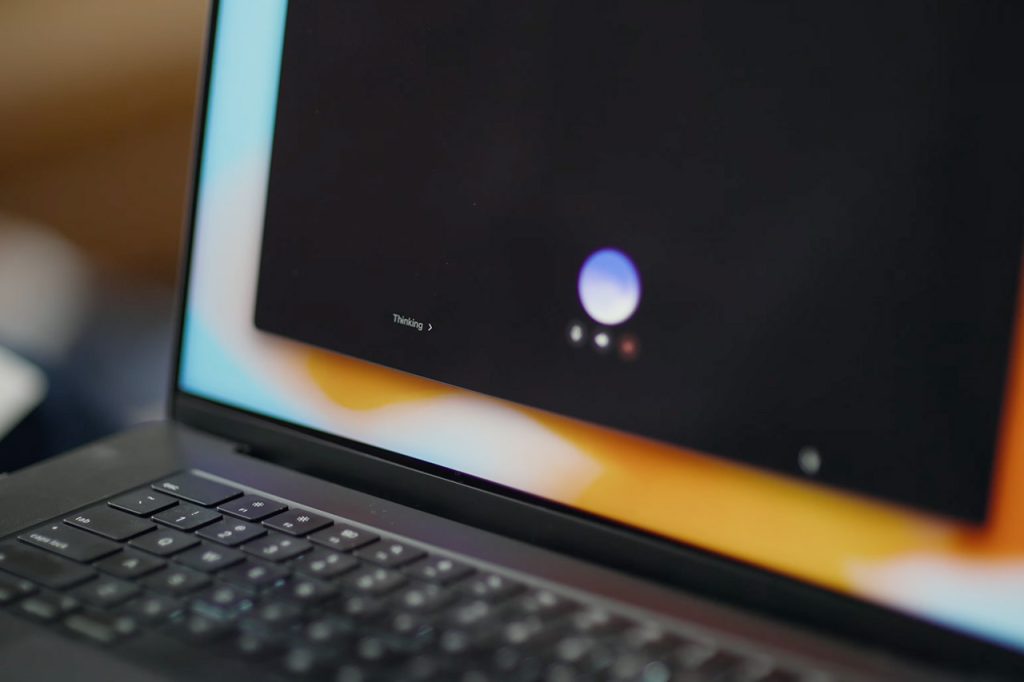
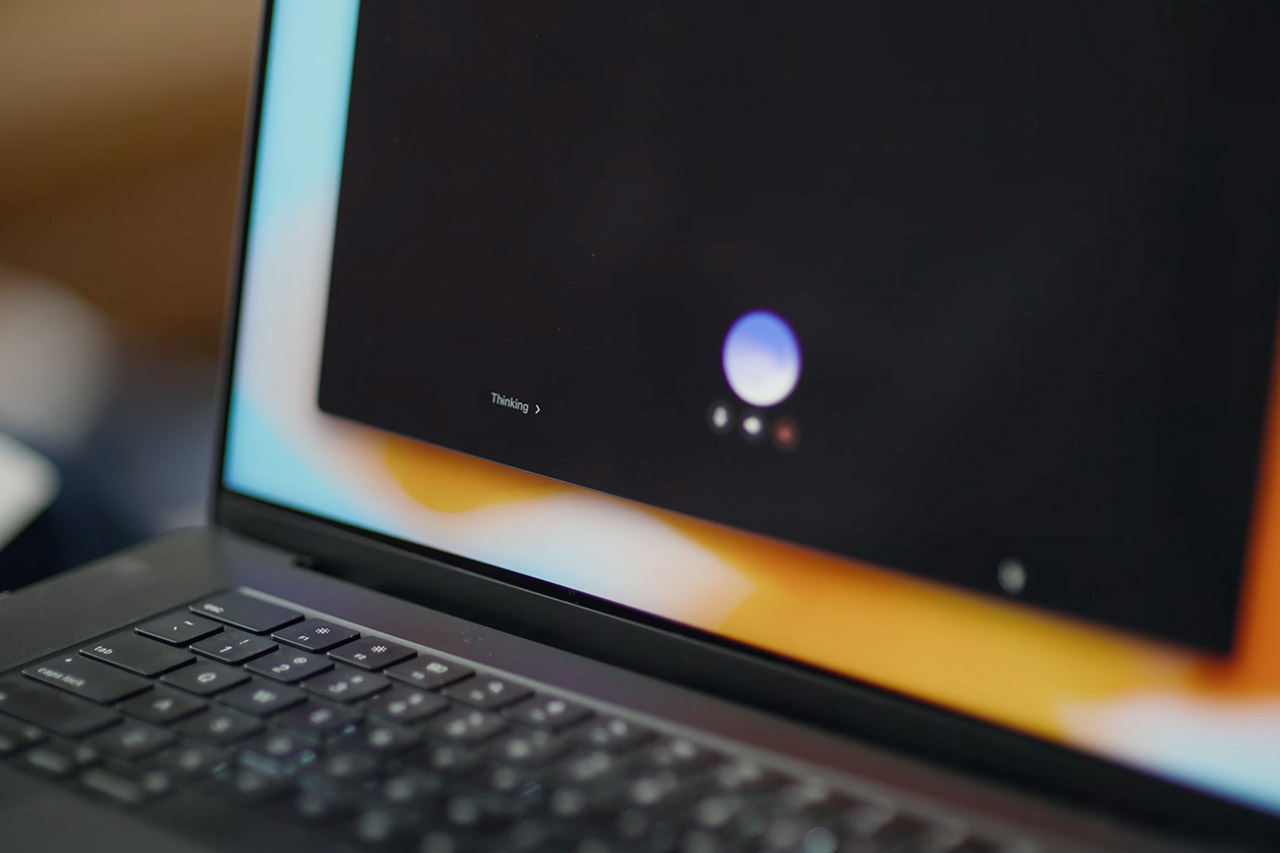
OpenAI now lets you test ChatGPT Voice on your desktop software, expanding their GPT-Live technology to Mac and Windows devices with paid plans. Users can immediately begin issuing voice commands as agents operate in the background in Chat, Work, and Codex.
To begin, simply open a new voice chat and start over, either in a blank chat or with a new task. If you need to interrupt a sentence, ask a question, or change the subject, you can; there is no need to wait for the other person to finish speaking; it’s almost like having a normal conversation. However, as soon as you begin working, the difference becomes apparent. You can say something like, “Alright, let’s start that Codex task and run the tests to see what didn’t pass,” and then just keep talking as the process starts in the background, on a different thread.

Plaud Note Pro AI Voice Recorder, Transcribe & Summarize with AI Note Taker for Meetings & Calls…
- AI-POWERED TRANSCRIPTION & MULTI-DIMENSIONAL SUMMARIES: Plaud Note Pro is your professional voice transcriber, delivering high-accuracy transcription…
- ENHANCED CONTEXT WITH MULTIMODAL INPUT: Capture audio, type notes, add images, and press to highlight key moments for richer context. During…
- CHAT WITH YOUR RECORDINGS USING “ASK Plaud”: Unlock deeper insights with this interactive AI. Ask questions, extract key points, draft emails, and get…
Later on, you can check in to request a status update or fresh directions, and the results will be returned to the voice discussion. If you’re working on numerous threads at once, all of your progress, stuck points, and completed work will feed back into the chat.
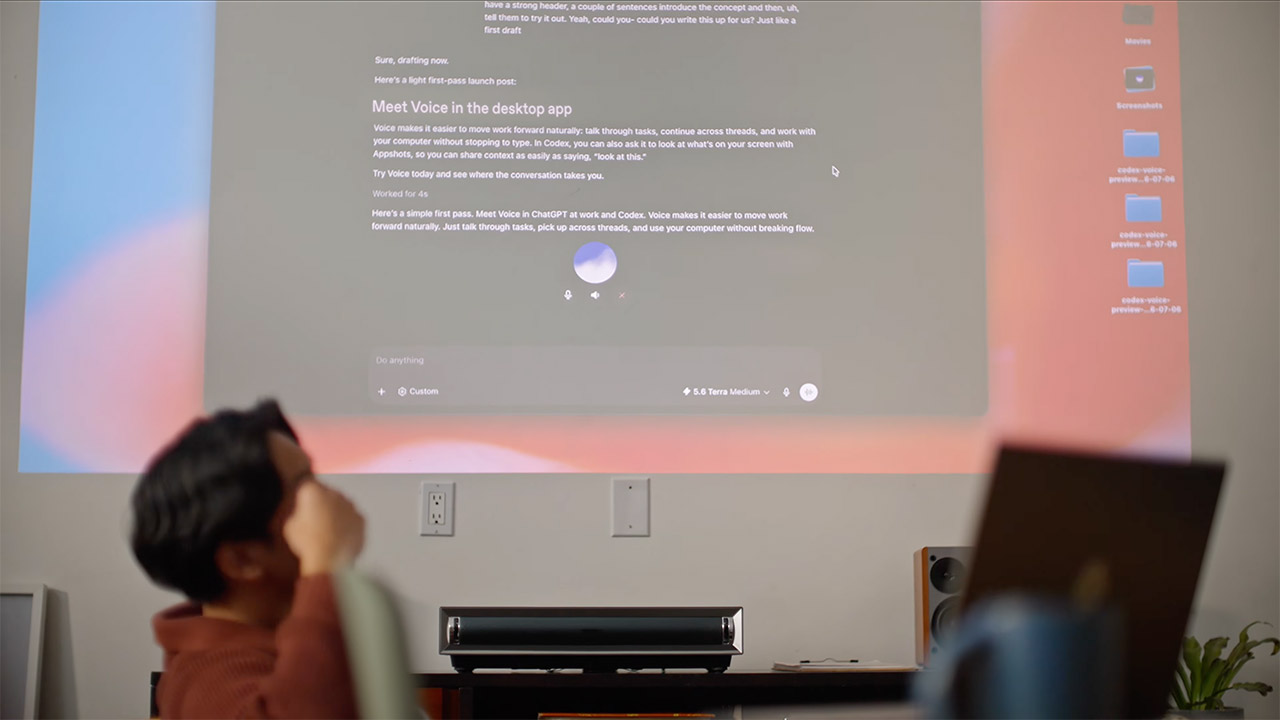
Mac users have access to a useful feature known as Appshots. “Take a look at this” captures the frontmost window, including text that sits outside the visible scroll area. That image and accessible text become part of the context for the next request. The feature needs system permissions for screen recording and accessibility, and organizations can disable it. Windows users work without that visual layer for now
Voice also works smoothly with Computer Use, local files, and any plugins you’ve set up. So you may be in a code editor, press a hotkey, and start a voice conversation while providing commands to your agents, all without having to switch windows. Which is much more handy. If you’re arranging a vacation, ChatGPT can check your calendar for conflicts, check flight status, and begin composing meeting notes all from the same audio session, while you just walk around the room.
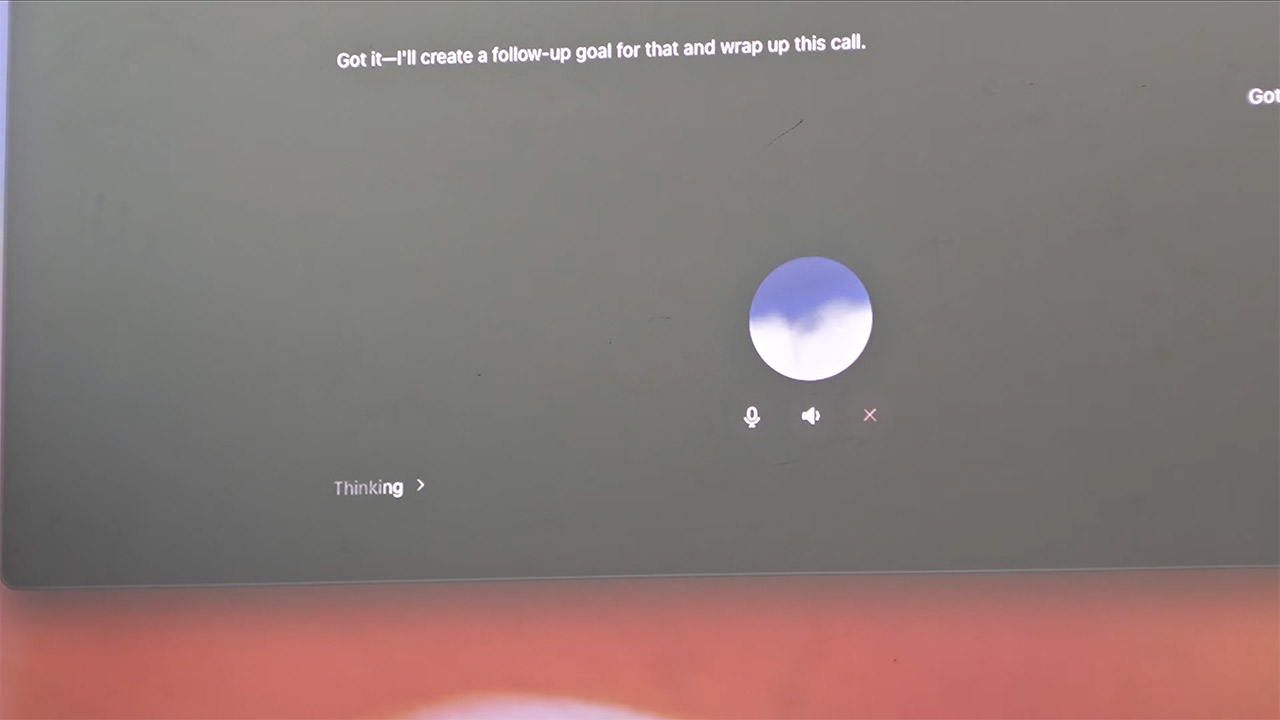
Voice is now available for desktop on the Plus, Pro, Business, Education, and Enterprise plans. Business and education users receive a sneak peek before the complete release. If your iPhone is linked to a PC host, you can utilize the Remote function to join the same voice conversations as your phone. Android users will ultimately get the same remote access, but they will have to wait a little longer. Conversations initiated with speech have a unique limit that is reset after five hours, but anything started with a voice command counts against your usual Codex usage limits.
Talk Your Way Through the Day, ChatGPT Voice Lands on Desktop
#Talk #Day #ChatGPT #Voice #Lands #Desktop